Skip to content

Live product demo

See MultiVendorSuite in Action

Review how MultiVendorSuite turns WooCommerce into a managed marketplace with vendor onboarding, product management, commissions, withdrawals, reports, and admin controls.

Use demo data only. Admin access is restricted to protect the shared demo environment.

Choose your demo path

Review the buyer, vendor, and admin workflows

Start with the public demo, then request guided access when you need to inspect restricted admin operations.

Public storefront demo

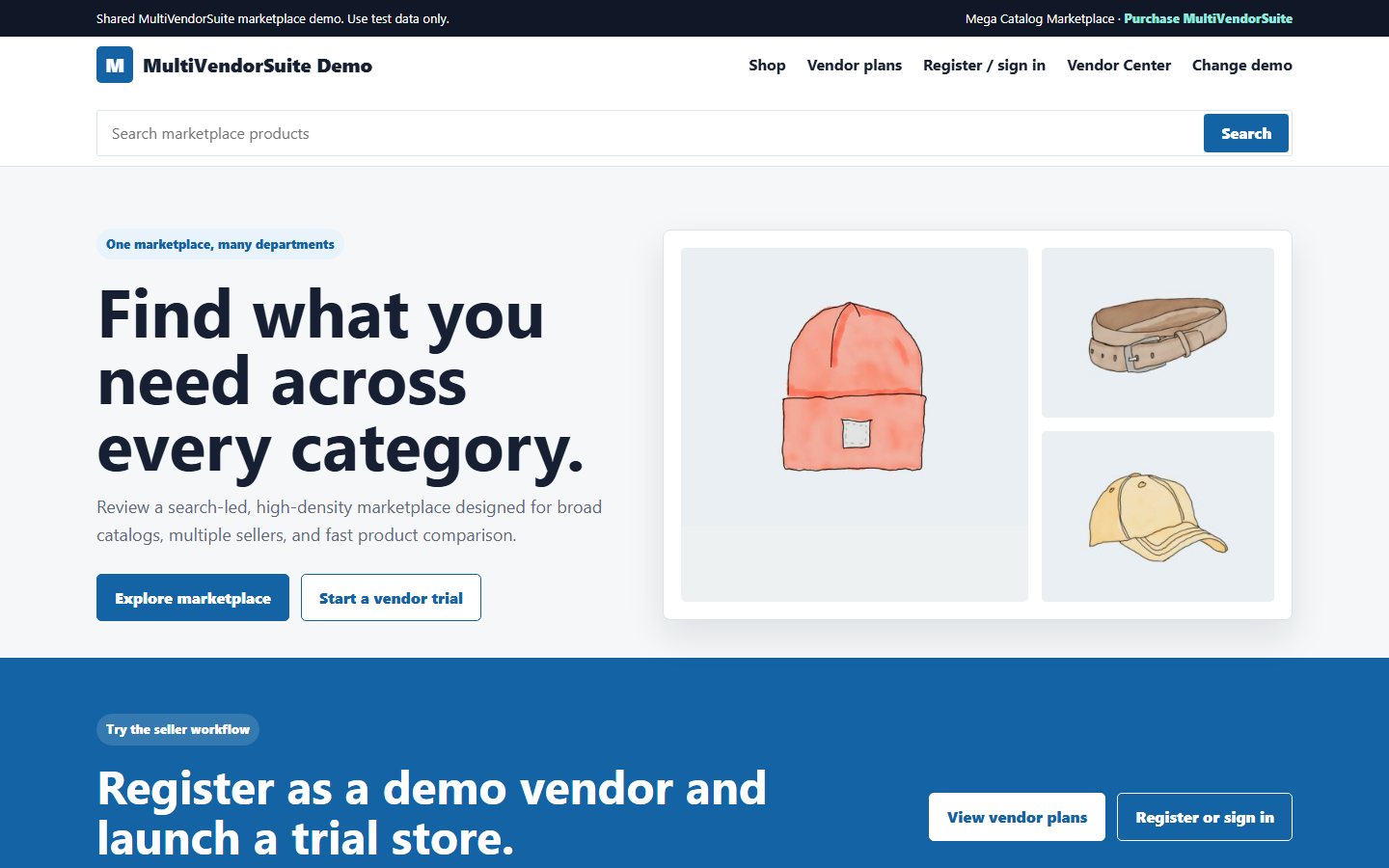
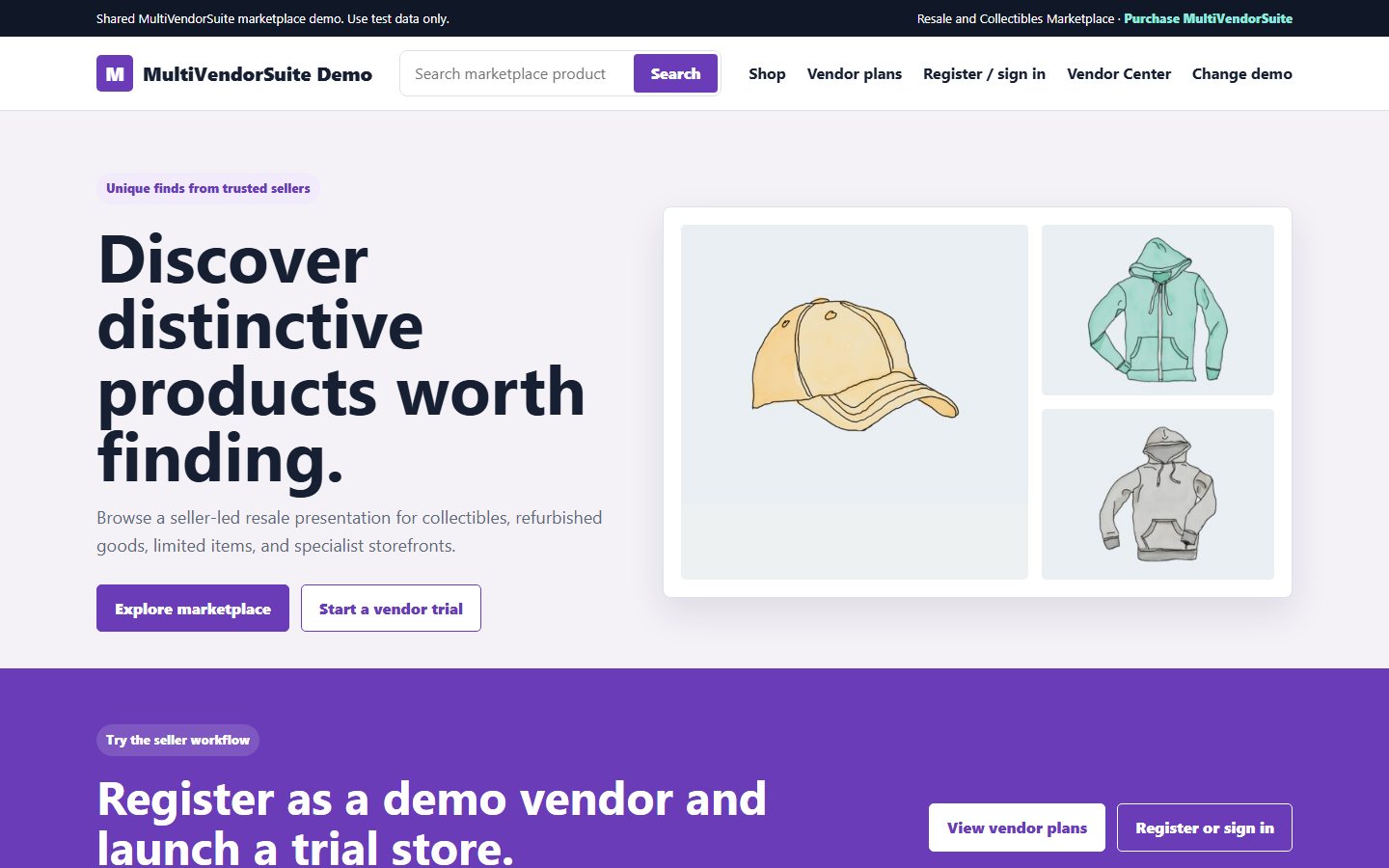
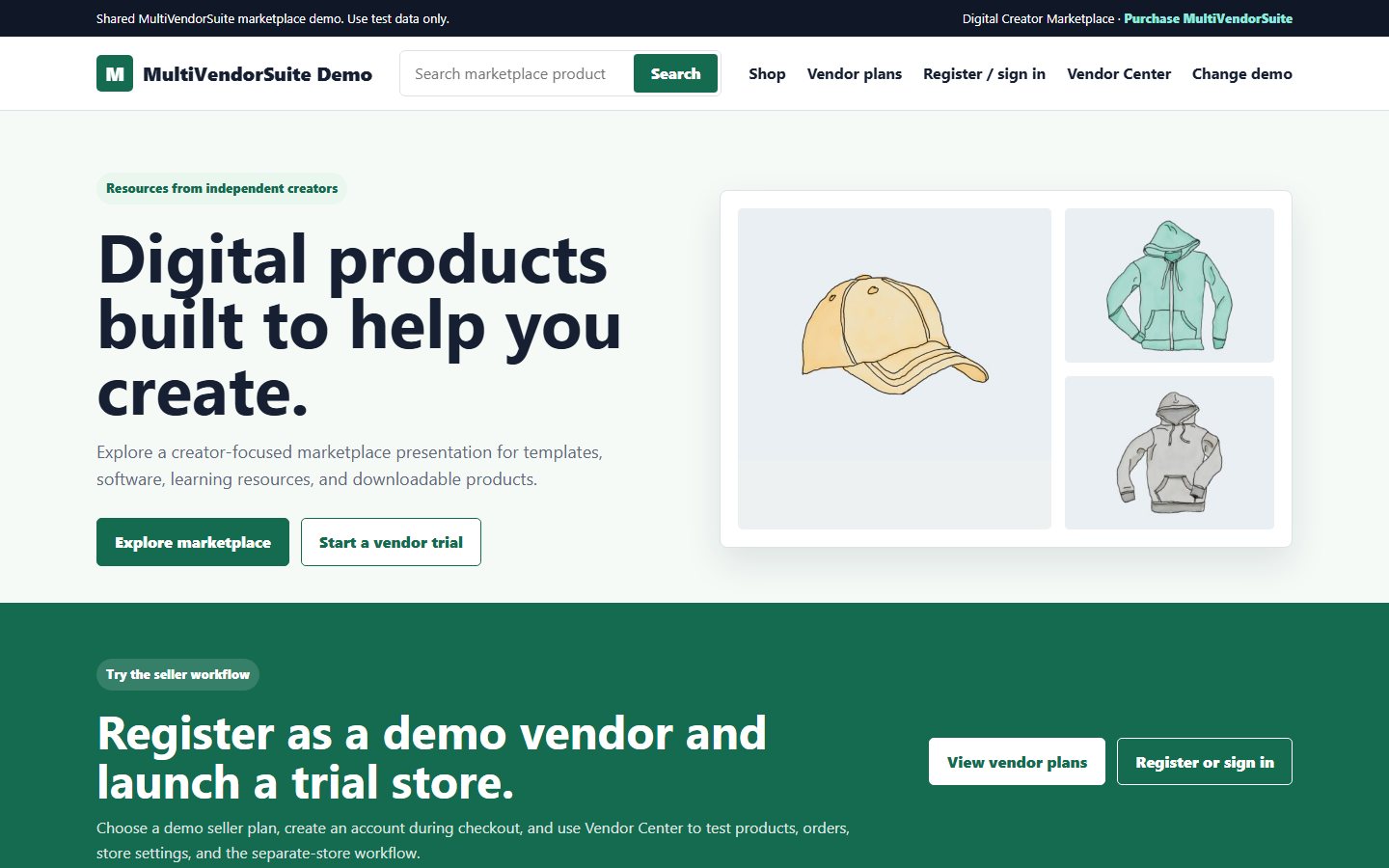
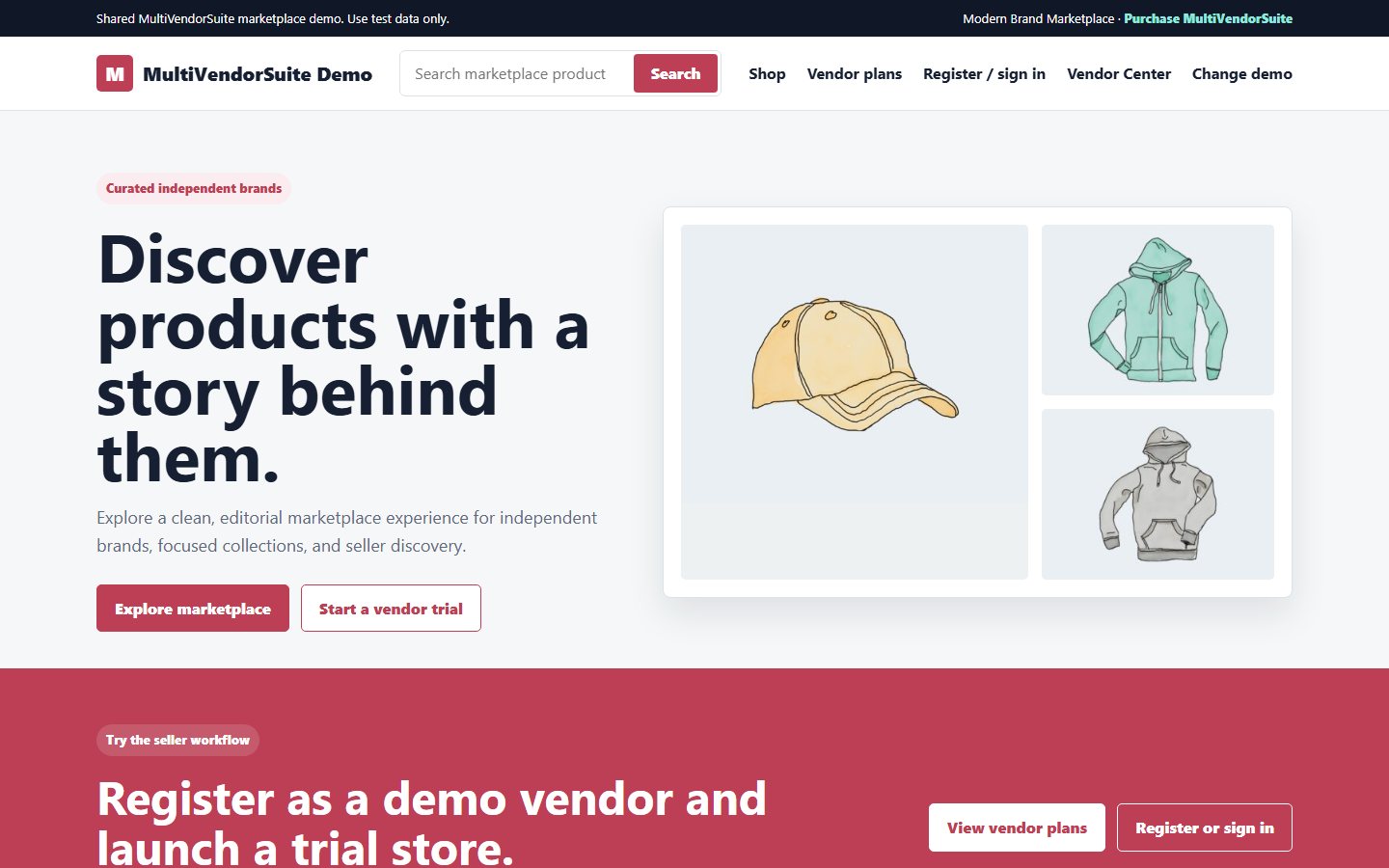
Open the public demo to review the marketplace presentation, product browsing, checkout experience, vendor-facing pages, and buyer flow.

Open Live Demo

Guided admin demo

Use guided access for admin workflows such as vendor management, commissions, withdrawals, diagnostics, plans, and marketplace controls.

Request Admin Demo Access

Setup walkthrough

Watch the recorded walkthrough before sharing admin access. It shows how the demo dashboard and marketplace operation screens are organized.

Watch Demo Video

Recorded walkthrough

Watch how marketplace controls are organized

Use this short walkthrough to understand the demo dashboard before requesting deeper admin access.

  • Vendor registration and approval flow
  • Admin dashboard, vendor records, and marketplace status
  • Product submission, publishing, and WooCommerce product control
  • Commission tracking and withdrawal request review
  • Reports, diagnostics, and launch-readiness checks
  • Responsive admin and vendor workflow review

Demo screenshots

Real screens from the demo environment

These captures help buyers inspect the operational screens before logging in or booking a setup call.

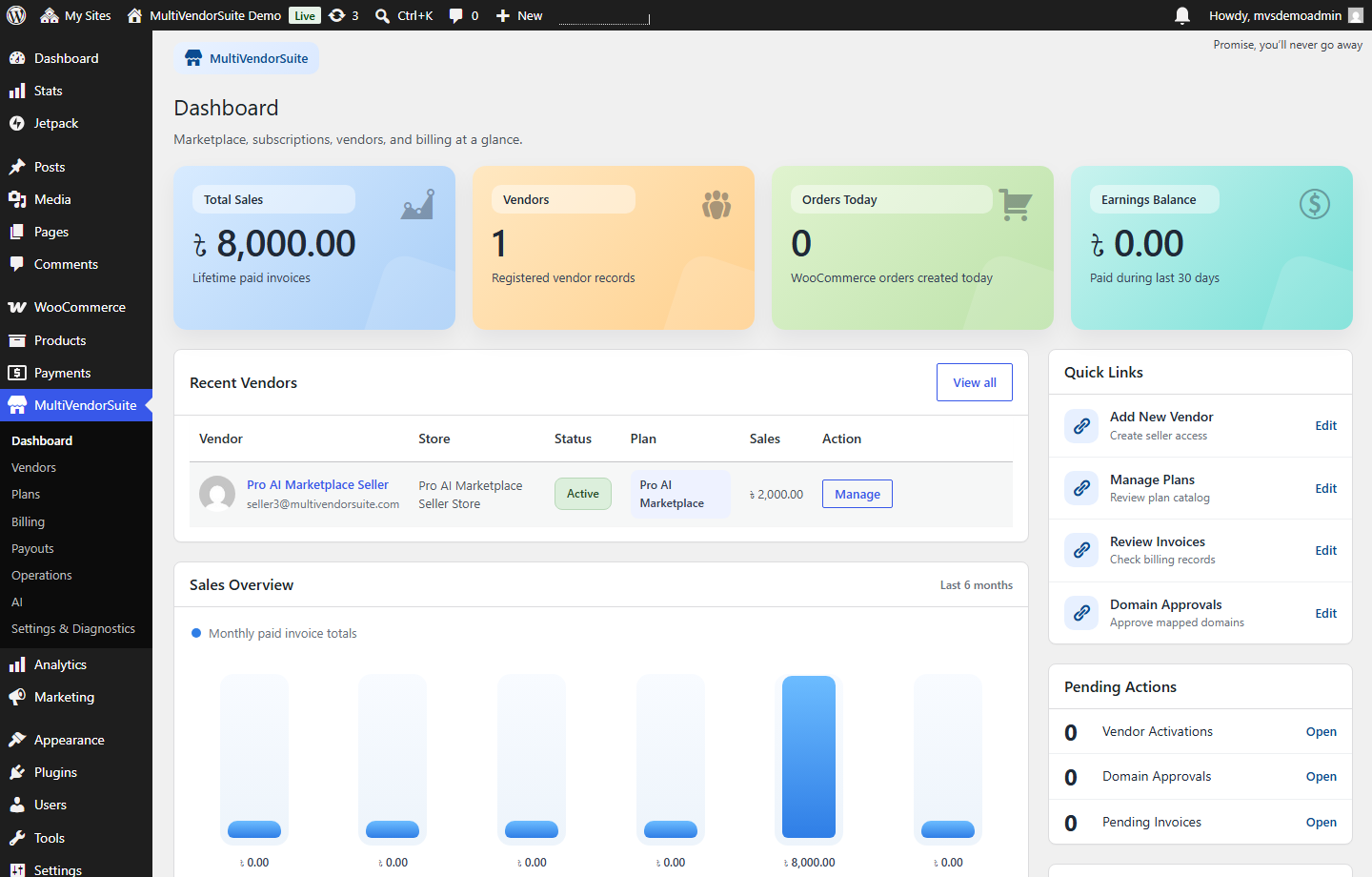
Marketplace dashboard

Marketplace dashboard

Sales, vendors, orders, earnings, pending actions, and marketplace health in one admin view.

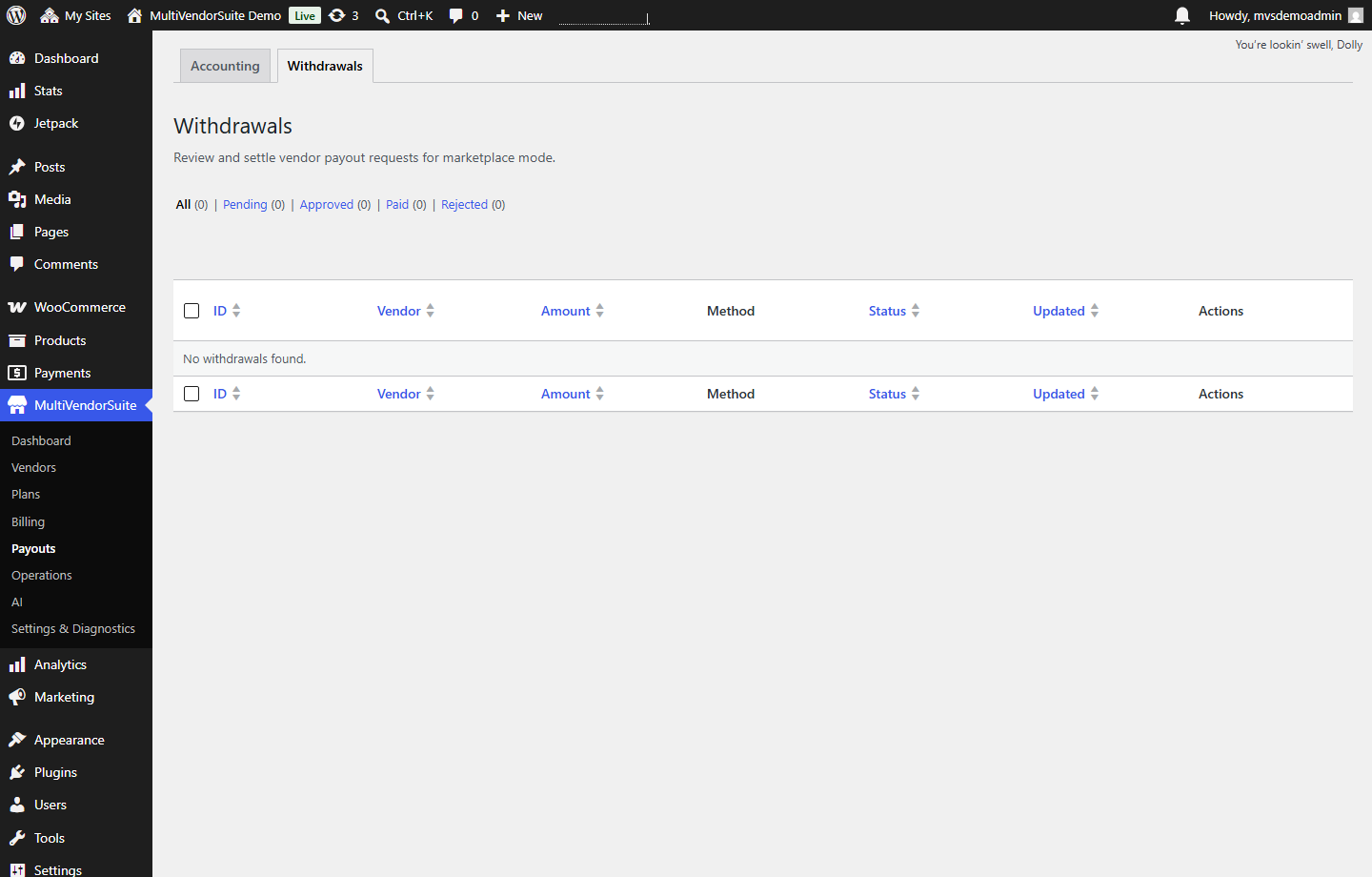
Withdrawal review

Withdrawal review

Review vendor payout requests and understand the admin settlement workflow before launch.

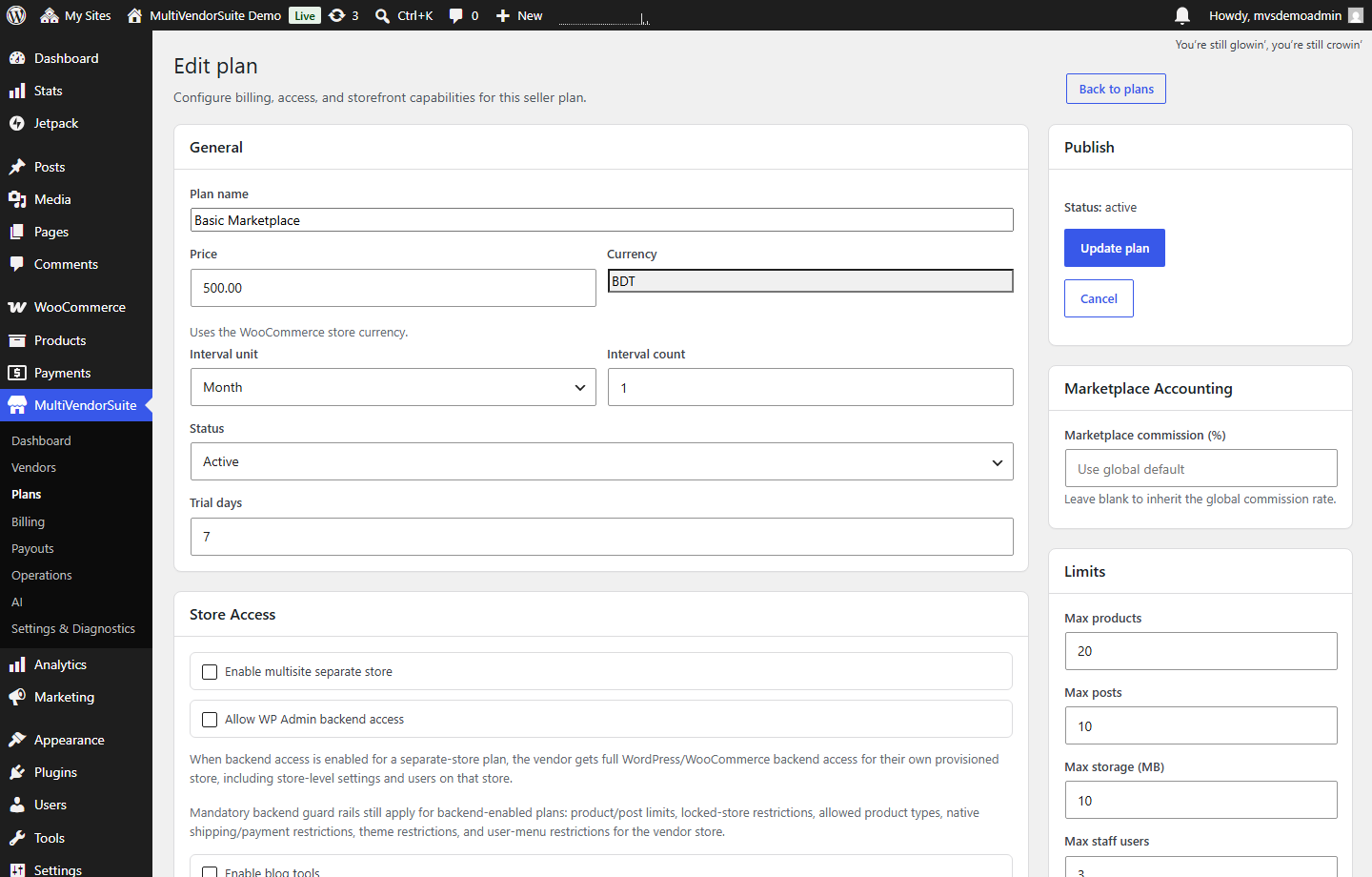
Plan configuration

Plan configuration

Inspect how seller packages control price, access, commissions, store limits, and marketplace capabilities.

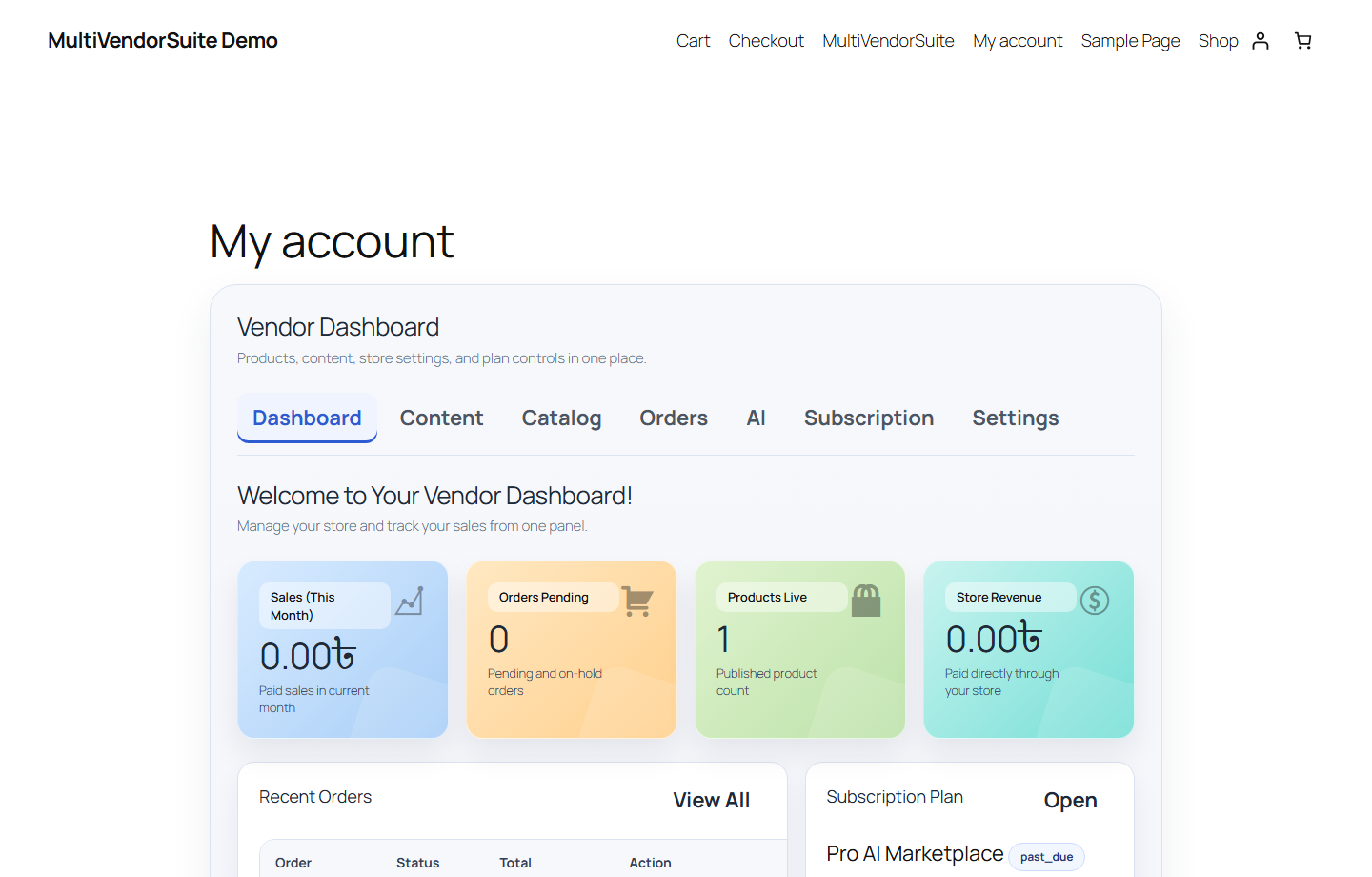
Vendor dashboard

Vendor dashboard

Review the frontend seller workspace for products, orders, earnings, plan access, and store tasks.

Demo safety

What to know before testing

The public demo is for product review, not real commerce. Keep private data out of the demo and request guided access for admin-only workflows.

Use demo data only

Do not enter real payment, customer, vendor, or business records.

Restricted admin actions

Plugin installs, destructive settings, exports, and production-sensitive changes should remain blocked.

Regular resets

Backups and reset routines keep the shared demo clean after public testing.

Guided review available

Use a setup call when you need to compare configuration choices for a real launch.

FAQ

Demo questions

Admin access should be guided or request-based so destructive settings, plugin changes, exports, and production-sensitive actions stay protected.

Yes, use only demo data and test checkout settings. Do not enter real customer, payment, or private business data in the demo environment.

The demo should be reset regularly after public access is enabled. Keep backups and restore checks ready before sharing broad access.

Review vendor onboarding, product management, commissions, withdrawals, reports, WooCommerce compatibility, mobile behavior, and the setup effort for your marketplace.

Ready after reviewing the demo?

Buy MultiVendorSuite or book setup help to launch your WooCommerce marketplace with the right vendor, commission, withdrawal, and demo safety workflow.